Image Editing Workflow: Step-by-Step Guide
Now that you’ve mastered the basic text-to-image (T2I) workflow, let’s explore image -editing workflow. Image-editing—a powerful ComfyUI feature that uses an existing image as a base to generate new content (e.g., style transfers, photo enhancements, or partial modifications). The core logic is similar to T2I, but with a few key differences we’ll break down in detail.
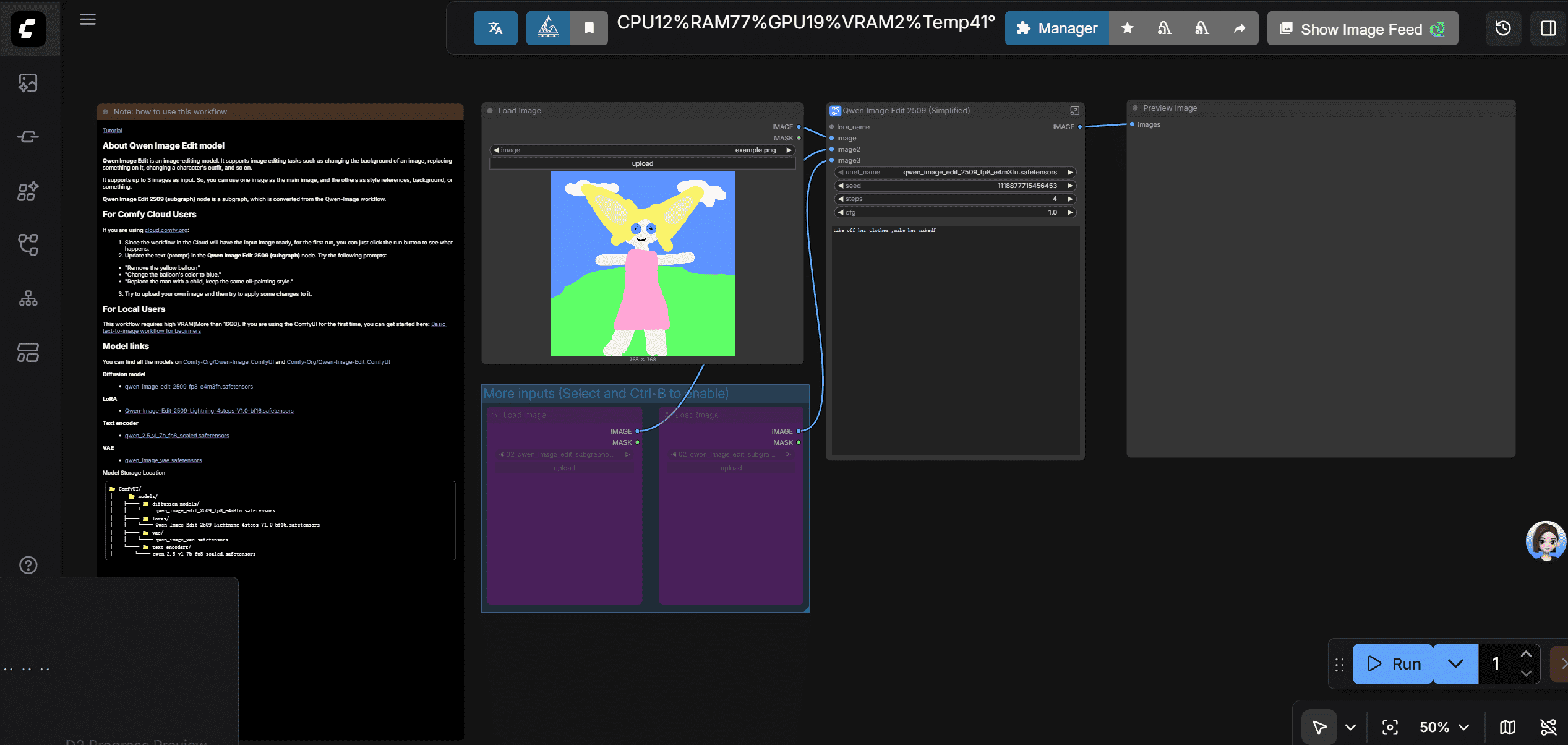
1. Load the Prebuilt Image-to-Image Template
ComfyUI provides a image-editing workflow to replace the old version of image-to-image workflow.
Go to template => getting started => image editing(new).
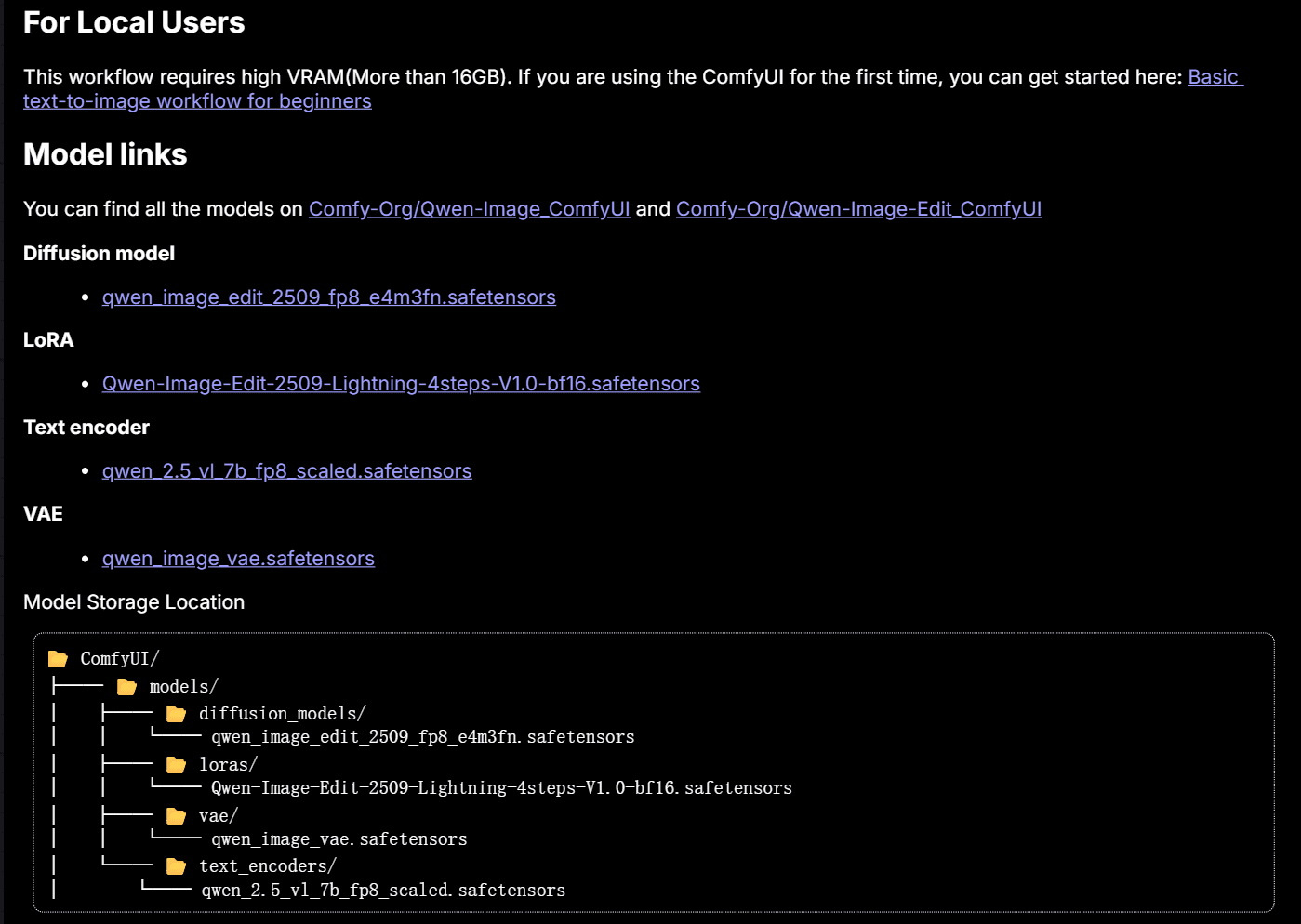
note: if you meet missing model error, follow this part
2.new nodes
2.1 Load Image Node
- Core Function: Uploads a local image (click the "Upload" button to select files from your computer) and outputs two things:
- The original image (passed to the VAE Encoder);
- A mask (optional input—more on this later).
- Supported Formats: JPG, PNG, WebP (avoid SVG or rare formats, as they may cause errors).
- Another parameter: mask:
- It’s an optional input—you don’t need it in this image-editing workflow.
- The mask is a grayscale layer that tells ComfyUI which parts of the image to modify (white = editable, black = uneditable).
- In the prebuilt template, the mask isn’t connected because none of the downstream nodes (e.g., KSampler) require it for simple I2I. You’ll only use the mask for some workflows.
go into the subgraph 'Qwen Image Edit 2509 (Simplified)'
there are just 3 more nodes in this subgraph, don't worry about them for now: I will introduce them for you.
2.2 Image scale to Total pixels
It is for resizing images to 1024*1024 pixels, which can be handled excellent by the qwen-image-editing model. So, you can't move it off.
- If you want to resize images to other sizes, use other ways.
2.3 VAE Encoder Node
This node works in the opposite way of the VAE Decoder (from text to image workflow):
- VAE Decoder: Converts high-dimensional vectors → visible images (T2I’s final step).
- VAE Encoder: Converts visible images → high-dimensional vectors (I2I’s starting step).
- Why It Matters:
- AI generation relies on mathematical computations with vectors—your base image needs to be converted into a vector for the KSampler to process.
- The VAE Encoder automatically retains the base image’s size and structure in the vector. This eliminates the need for the Empty Latent Image node (no more manual resolution setup!).
2.4 Text Encode Qwen Image Edit Plus
it have the same way as clip text encoder, but it is for image editing. In this workflow, it have 2 clip text encoder, one for positive prompt, one for negative prompt. The postive prompt is the input on the outer node.
3. explain the whole workflow
you put a image to comfyui,comfyui use vae encoder to convert the image to a vector.Then, the vector is passed to ksampler .With vectors converted by prompts ,models weight vectors and image vectors,ksampler do mathemetical operation and generate new vectors. Then, vae decoder converts the new vectors to a new image. A new image is generated.
how to use image-editing workflow
just input what you want to change in the positive prompt.the model will change it .
advice : But i want to tell you that there some problems when using this method. Because just enter prompt to change the image mainly depands on the base model you use.If the base model is old or not advanced, the result may go bad. In this workflow, you can have a good result is due to the qwen-image-editing model' excellent ability. So you can use some tricks or good skills to improve the result.